About Portronics My Buddy Air Pro Laptop Cooling Pad with 6 Cooling Fans, 5-Level
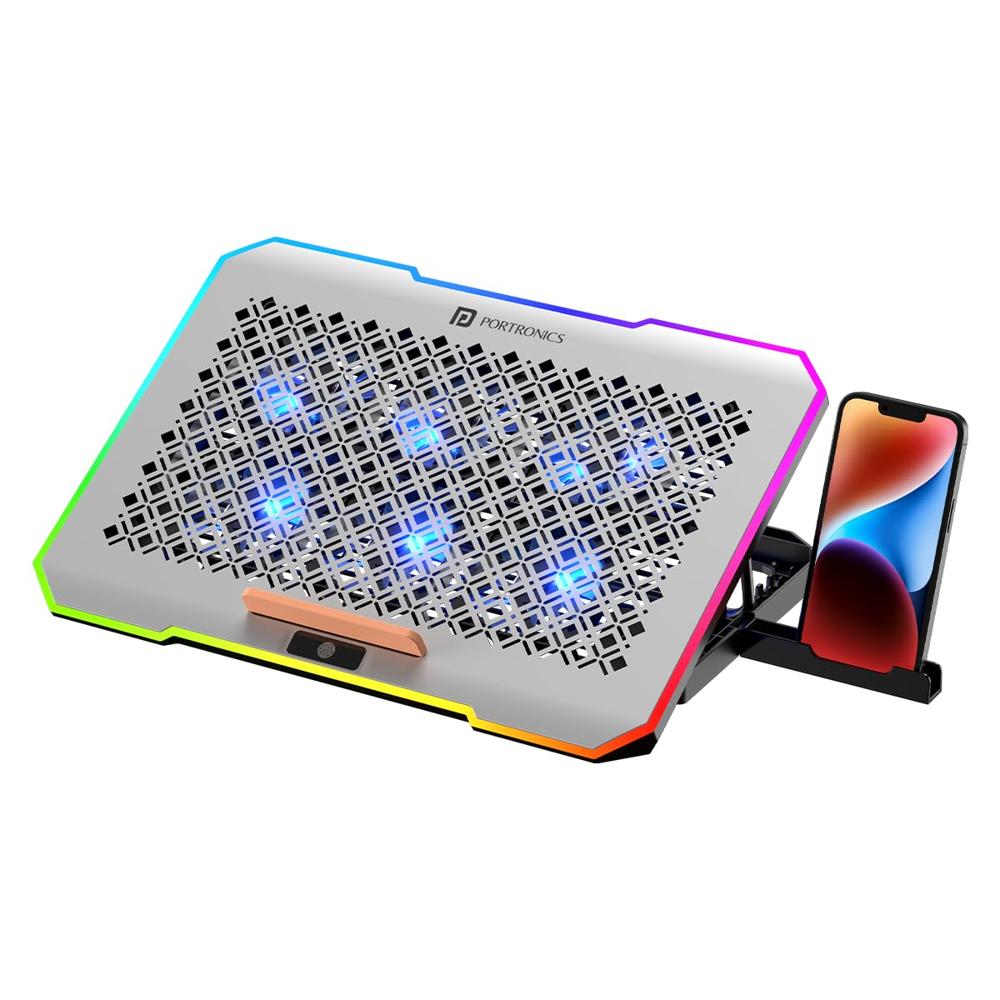
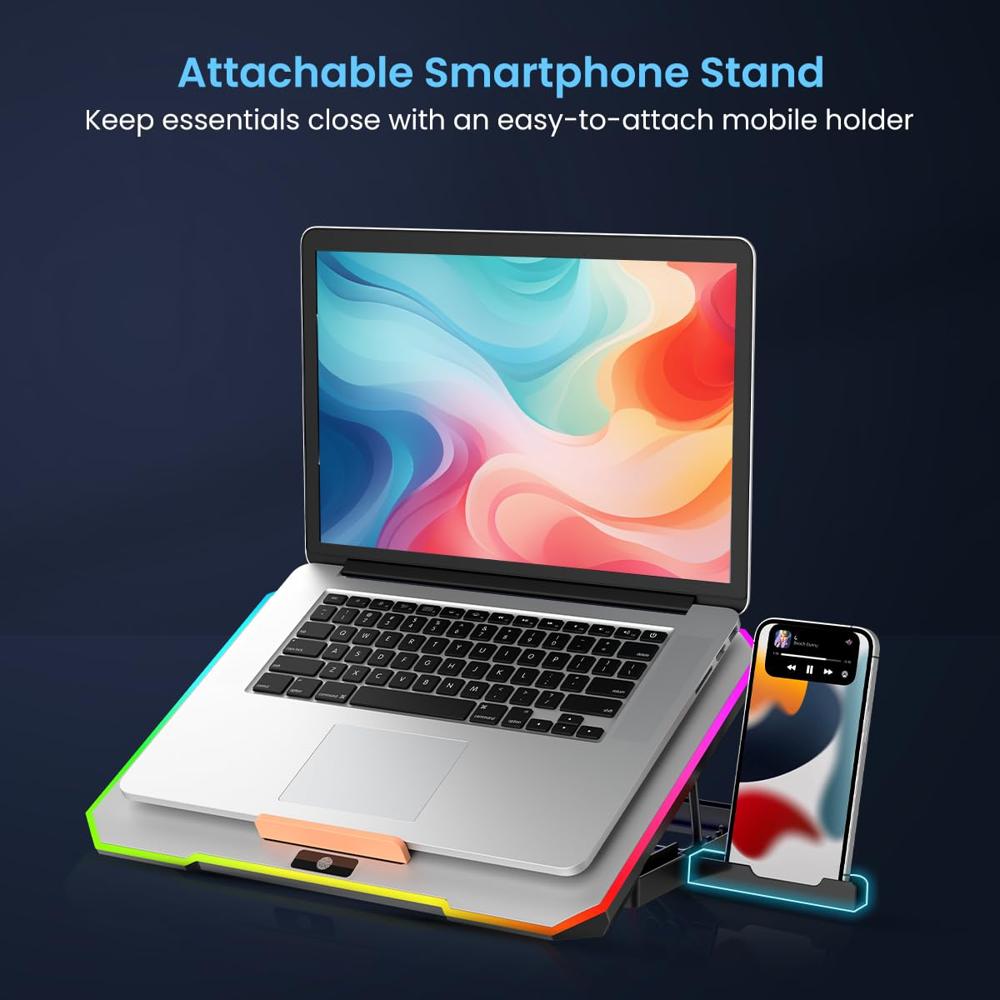
- Cooling Laptop Pad: Portronics My Buddy Air Pro is a laptop cooling pad, designed specially to keep your laptops cool while working. Comes with an attachable smartphone holder for easy multitasking.
- 6 Cooling Fans at 3000 RPM: Experience optimal performance with this laptop cooling pad, featuring 6 powerful fans spinning at 3000 RPM, ensuring efficient and quiet ventilation for your laptop, preventing it from overheating.
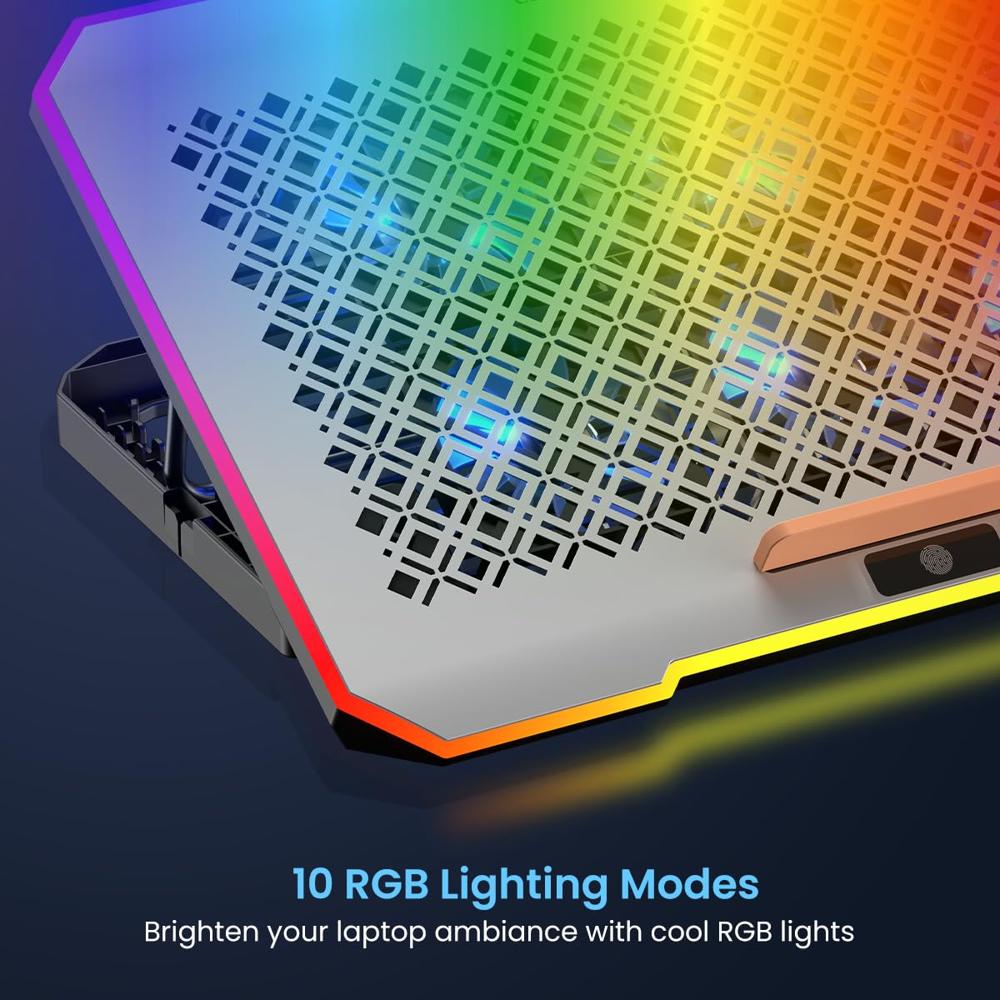
- 10 RGB Light Modes: Transform your laptop setup with the RGB lights surrounding this laptop pad. With 10 adjustable modes, they create a cool and visually stunning atmosphere for your gaming or work sessions.
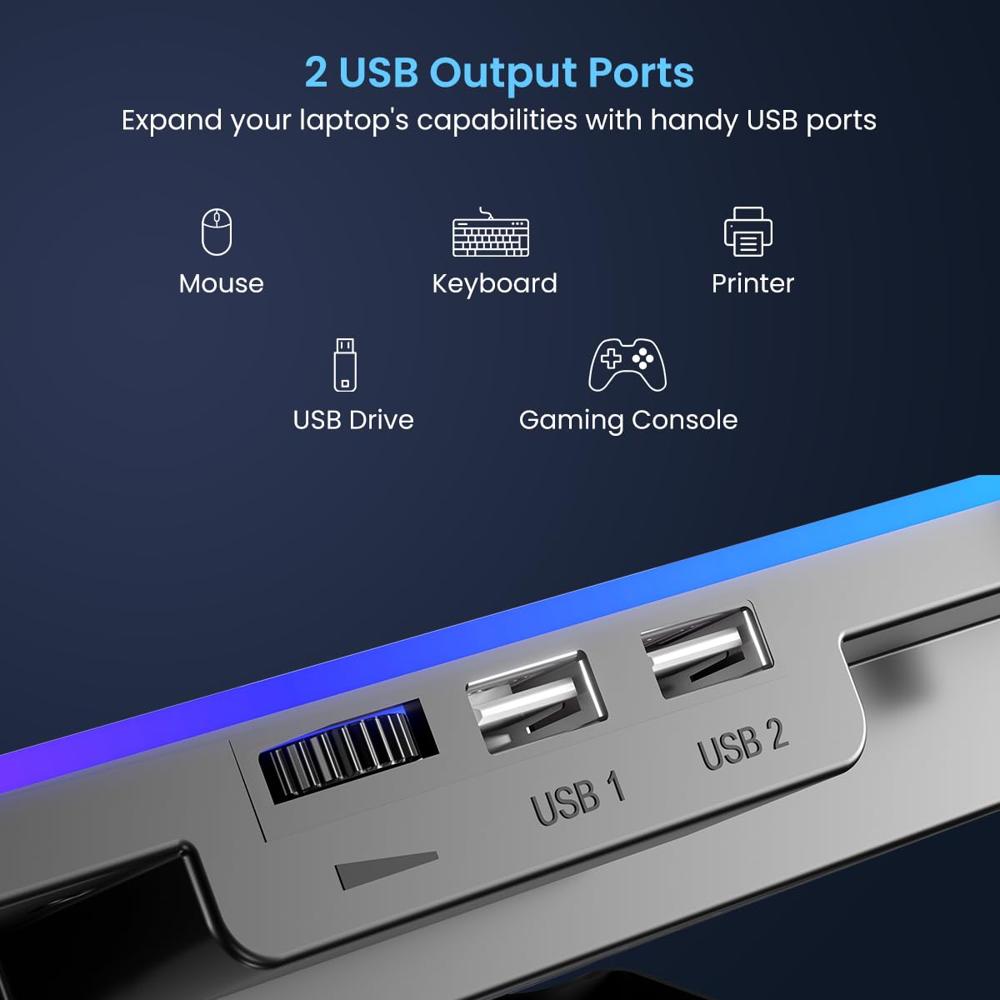
- Dual USB 2.0 Ports: Comes with 2 USB 2.0 ports, one can be used to operate the cooling fans, and the other one can be used to connect devices such as a keyboard, mouse, flash drive, etc. to the laptop.
- 5 Adjustable Elevation Angles: This ergonomic laptop cooling pad offers 5 customizable height levels to achieve the perfect viewing angle, reducing strain on your neck and shoulders and enhancing your comfort and productivity.
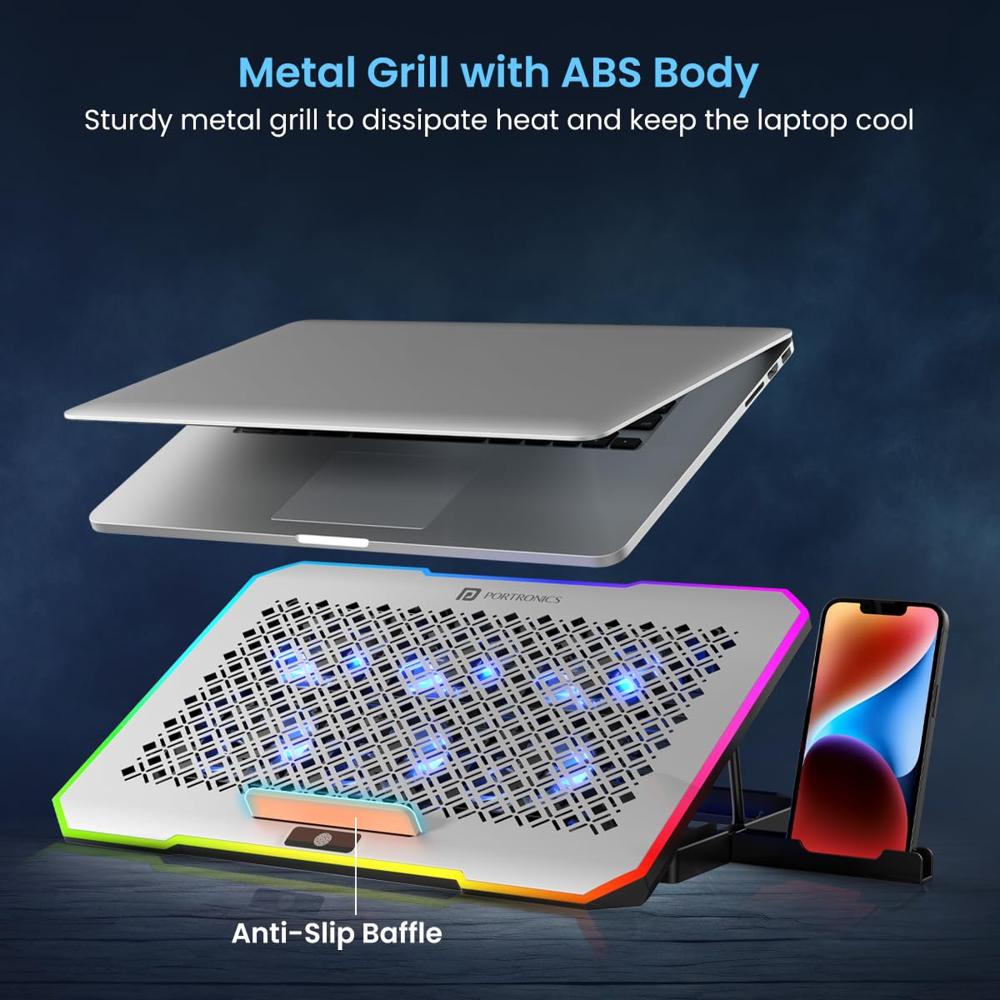
- Anti-Slip Design: To keep your laptop in place and prevent it from sliding off, the laptop stand comes with an anti-slip baffle, so that you cannot work without worrying. It is compatible with laptops of different thicknesses.
- Metal Grill: Along with a sturdy ABS build, the laptop pad features a sturdy metal grill surface on top of the cooling fans for proper heat dissipation to keep your laptop from heating up. It can hold laptops with up to 17 inches of screen size.
Advanced Cooling EfficiencyEquipped with six powerful fans, the My Buddy Air Pro ensures consistent air circulation under your laptop. This robust design is particularly effective for intensive tasks like gaming, streaming, or prolonged work sessions, keeping your device cool and responsive.
Tailored ErgonomicsThe cooling pad offers 5 adjustable levels, allowing users to select the ideal viewing angle. This flexibility helps maintain correct posture, reducing strain on your neck and wrists during long working hours. Its sturdy construction supports various laptop sizes with ease.
Smart and Portable DesignCrafted from premium plastic, the lightweight yet durable pad weighs just 1100 grams. Its compact size and elegant grey finish blend seamlessly into any workspace, while the convenient box packaging ensures protection and portability for travel or daily use.
FAQ's of Portronics My Buddy Air Pro Laptop Cooling Pad with 6 Cooling Fans, 5-Level:
Q: How do I set up and use the Portronics My Buddy Air Pro cooling pad?
A: To use the My Buddy Air Pro, simply remove it from the box, unfold the stand, and choose your preferred height setting among the five adjustable levels. Place your laptop securely on the cooling pad and connect it using the supplied USB cable for fan activation.
Q: What devices are compatible with this laptop cooling pad?
A: This cooling pad is designed to support most laptops, thanks to its sturdy plastic build and generous dimensions of 38 x 26 cm. It provides reliable cooling for a wide range of laptop models used at home, office, or while traveling.
Q: When should I use the cooling pad for optimal performance?
A: For best results, use the cooling pad whenever you anticipate extended laptop use, such as during gaming, video streaming, or heavy multitasking sessions. It works efficiently to prevent overheating, especially in warm environments or on soft surfaces.
Q: Where can I place the My Buddy Air Pro cooling pad?
A: The product is intended for use on tables, desks, or other flat surfaces, utilizing its table-mount design. Its stable base ensures your laptop stays in place while you work, type, or watch videos.
Q: How do the six cooling fans benefit my laptop?
A: The six integrated cooling fans help dissipate heat quickly, maintaining optimal operating temperatures in your laptop. This not only prolongs your laptop's lifespan but also contributes to smoother performance and reduced chances of thermal throttling.
Q: What is the process for adjusting the height of the cooling pad?
A: Adjusting the height is simple: lift the laptop platform and select from five available levels, locking it in place for your preferred angle. This customizability enhances comfort and ergonomics during extended use.
 Send Inquiry




 Send Inquiry

 Send Inquiry
 English
 Spanish
 French
 German
 Italian
 Chinese (Simplified)
 Japanese
 Korean
 Arabic
 Portuguese